




Wbetz App
The Wbetz app lets players from the Netherlands open our casino from a shortcut on their phone or computer. Add the icon once, and your next visit starts with a single click instead of another browser search. We use PWA technology, so the shortcut opens the current web version of the platform.



Benefits and Features of the Wbetz App
The W Betz PWA keeps the main casino features available on mobile, without reducing the platform to a simplified game launcher.
Its key features include:
- Full casino lobby. Open the complete Wbetz game catalog from your phone or tablet. Mobile access does not limit the titles available on the main website.
- Personal account access. Your profile remains fully available on mobile. From the account area, you can review your activity, update personal details, manage settings, and use the cashier.
- Payments on mobile. Deposits and withdrawal requests do not require a desktop computer. The relevant payment options remain available through the account menu.
- Push notifications. You can allow W Betz to send selected updates to your device. Browser and system settings let you change this permission later.
- Touch controls. Buttons, menus, and game cards fit mobile screens and respond to taps and swipes.
- Cross-device access. Add a game to your favorites on mobile, then find it there again when you sign in from a computer.
Which Devices Are Compatible with the W Betz App?
The Wbetz app supports Android phones and tablets, iPhones, iPads, Windows computers, and Mac devices. On mobile, you can add W Betz to the Home Screen. On a computer, create a desktop shortcut and open the casino without typing the URL each time.
The table below compares mobile and desktop access in several common situations.
What You’re Doing | Desktop Browser | Wbetz Mobile PWA |
Opening Wbetz for a short session | Launch the platform from a browser bookmark or desktop shortcut | Tap the Wbetz icon on the Home Screen |
Browsing a large game lobby | View more titles and categories on a larger display | Scroll through games with touch controls |
Reading game or bonus information | Keep more text visible without frequent scrolling | Check details while away from a computer |
Playing for a longer period | Use a larger screen and precise mouse or trackpad navigation | Continue playing from any suitable location |
Managing several tasks | Keep Wbetz open in one window while using other browser tabs | Focus on the casino interface in a mobile format |
Every version requires an internet connection. For reliable access, use an updated browser and avoid entering login or payment information through an unsecured public network.
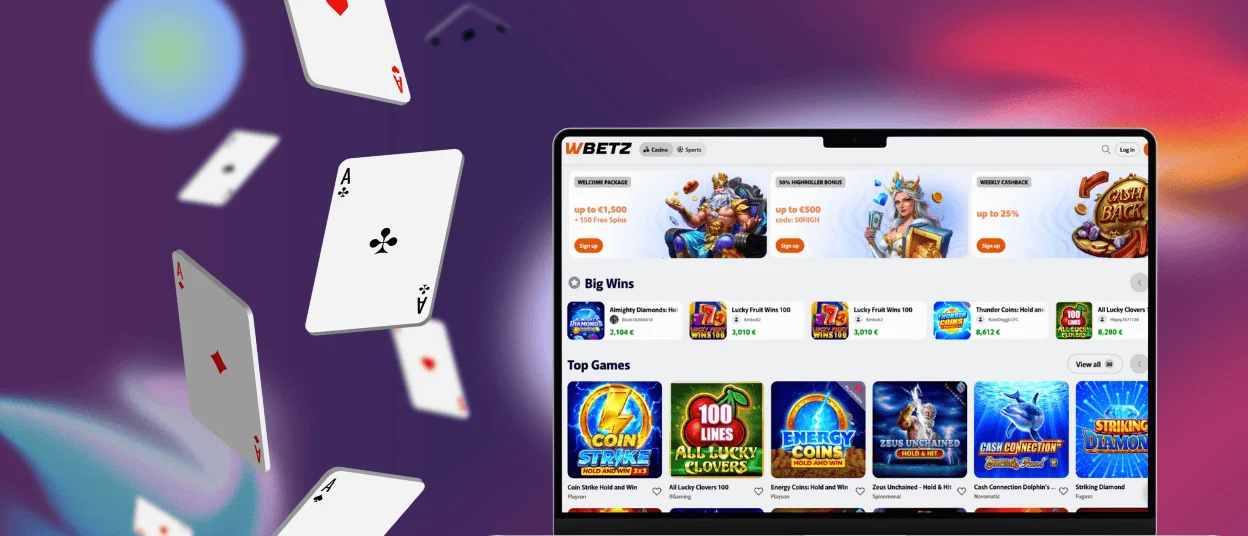
Wbetz PWA for iOS
Wbetz runs in Safari on both iPhone and iPad. On an iPhone, slots and crash games feel especially natural: their rounds rely on a small number of touch controls, and the action remains easy to follow on a compact screen. You can turn the phone sideways when a game uses a wider layout.
An iPad changes the experience. Its larger display fits live dealer games better, as the table video and betting area remain visible together. Browsing the casino lobby also takes less scrolling, which helps when you want to compare several games before choosing one.
How to Add Wbetz to an iPhone or iPad
- Open the Wbetz website in Safari.
- Tap the “Share” button.
- Scroll down and select “Add to Home Screen”.
- Check the shortcut name and tap “Add”.
After completing these steps, you can open Wbetz directly from the new Home Screen icon.
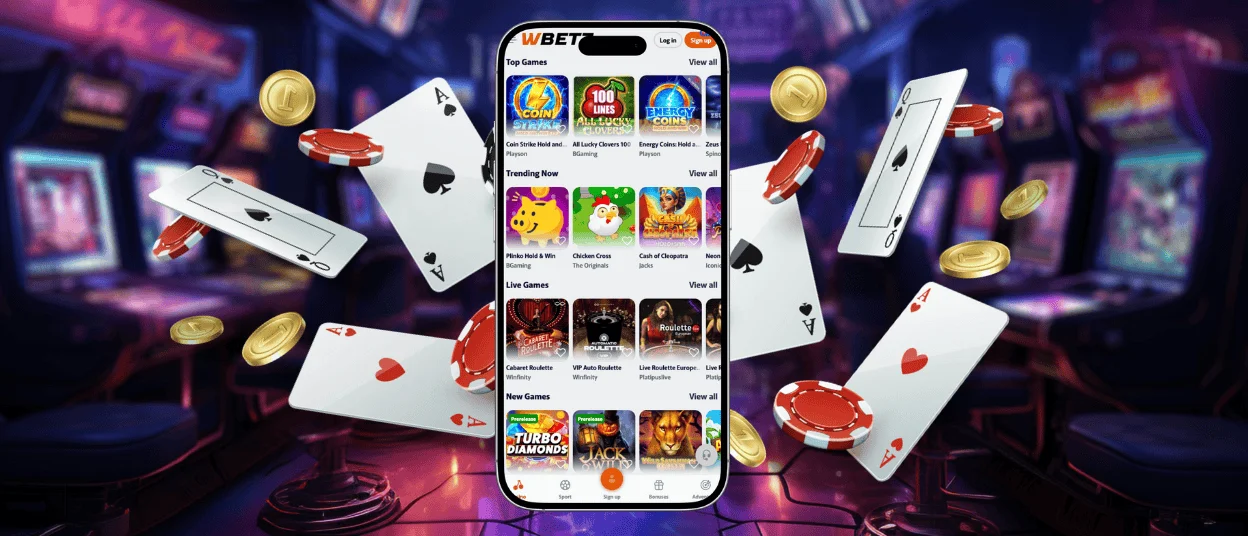
W Betz Casino App for Android
On Android, Wbetz works much like a regular mobile app. The casino opens from its own Home Screen icon, while the interface responds to taps and swipes across the lobby and game screens.
A phone works well for slots and crash games, where the main action stays centered around a few touch controls. On a tablet, the larger display makes live casino tables easier to follow and shows more games in the lobby at once.
The Android version also supports push notifications. Enable them to receive news about new promotions and limited offers directly in the notification panel. You can turn these alerts off at any time through your device settings.
How to Add Wbetz to the Android Home Screen
- Open W Betz in Chrome.
- Tap the three-dot menu.
- Select “Add to Home screen”.
- Tap “Add” to confirm.
The wording of the final option may vary slightly depending on the Android version and Chrome interface.
Do You Need a Wbetz APK?
W Betz does not provide an APK. Android players use the PWA instead, so there is no separate app package to install or update.
This matters because APK files often appear on third-party download pages, where users must assess whether the file is genuine. With Wbetz, there is no separate Android build to look for and no reason to allow installations from unknown sources. The PWA provides the mobile version of our casino without that extra step.
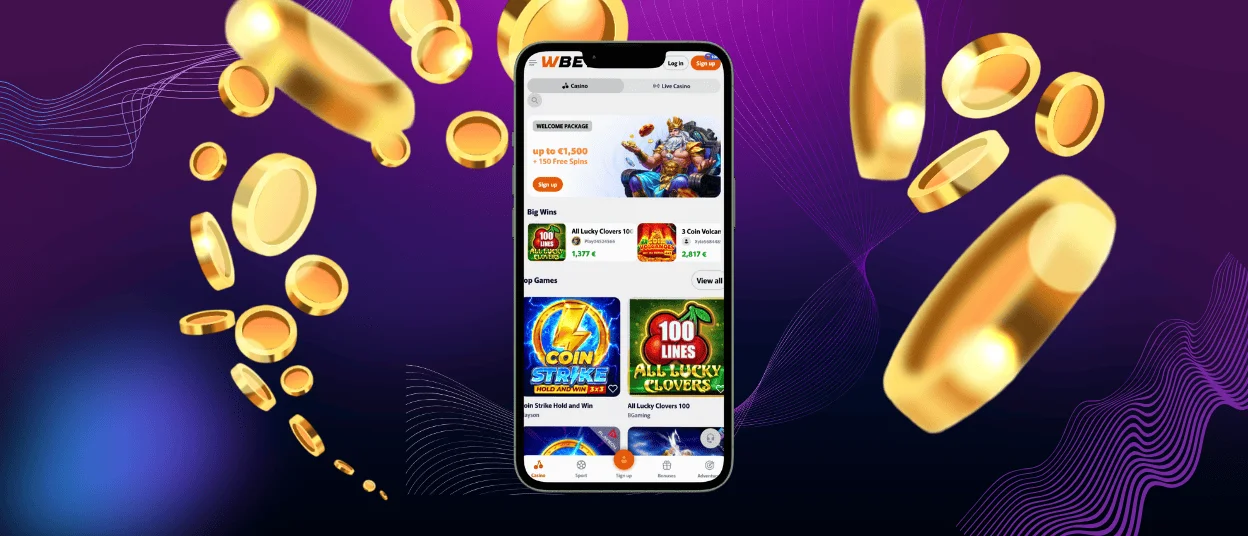
Wbetz on Mac and Windows
Wbetz works in browsers on both Mac and Windows. Add a desktop shortcut to open the casino directly, without searching for the website each time.
A computer screen gives live dealer games more space. The video remains easy to follow, while the betting area stays large enough for accurate selections. The casino lobby can also display more titles at once, which reduces scrolling when you compare games.
Desktop play is useful when you need another browser tab during a session. You can check banking details before a payment or open the rules for a game without closing the website.
What Security Advantages Does the Wbetz PWA Offer?
Because the PWA runs inside the browser, it follows the browser’s security controls:
- Wbetz asks for permission before using a protected device feature, such as the camera.
- HTTPS encrypts information while it moves between your browser and Wbetz.
- The platform opens in its current version, so you do not keep an outdated app build on your device.
You should still open Wbetz via the official domain, keep your browser up to date, and protect your account with a strong password.
Frequently Asked Questions
Is an Account Required to Use the W Betz App??
You can explore the app before registering and open demo versions of supported games. An account is only required when you decide to play for real money.
Can I Switch Between the Desktop Site and the Wbetz PWA?
Yes. Both versions open the same account, so switching devices does not create a separate mobile profile. For example, a game saved to Favorites on your computer will also appear in the PWA.
How Can I Update the Wbetz App?
You do not need to start a manual update. The shortcut opens the current web version of the casino. When a page does not load correctly, refresh it, reopen the shortcut, or check whether your browser needs an update.


